Rethink the way you write, sketch, and ship in one place.
Rethink Zone combines premium document editing, an intelligent infinite canvas, and a synchronized kanban board so product teams can align decisions and ship work without losing context.
Why teams pick Rethink Zone
A unified experience where docs, canvas, and kanban share the same DNA.
Docs + canvas together
Edit structured docs while sketching on an infinite canvas without switching tabs.
Move ideas to delivery
Track work with a fully theme-aware kanban board that turns brainstorms into shipped tasks.
Premium writing experience
A focused, paper-like editor with slash commands and theme-aware styling for professional clarity.
Intelligent Canvas
A dynamic whiteboard that automatically adapts its colors and grid to your workspace theme.
Realtime-ready UX
Smooth motion, optimistic UI, and saved state so your focus remains on the work.
Visual architecture
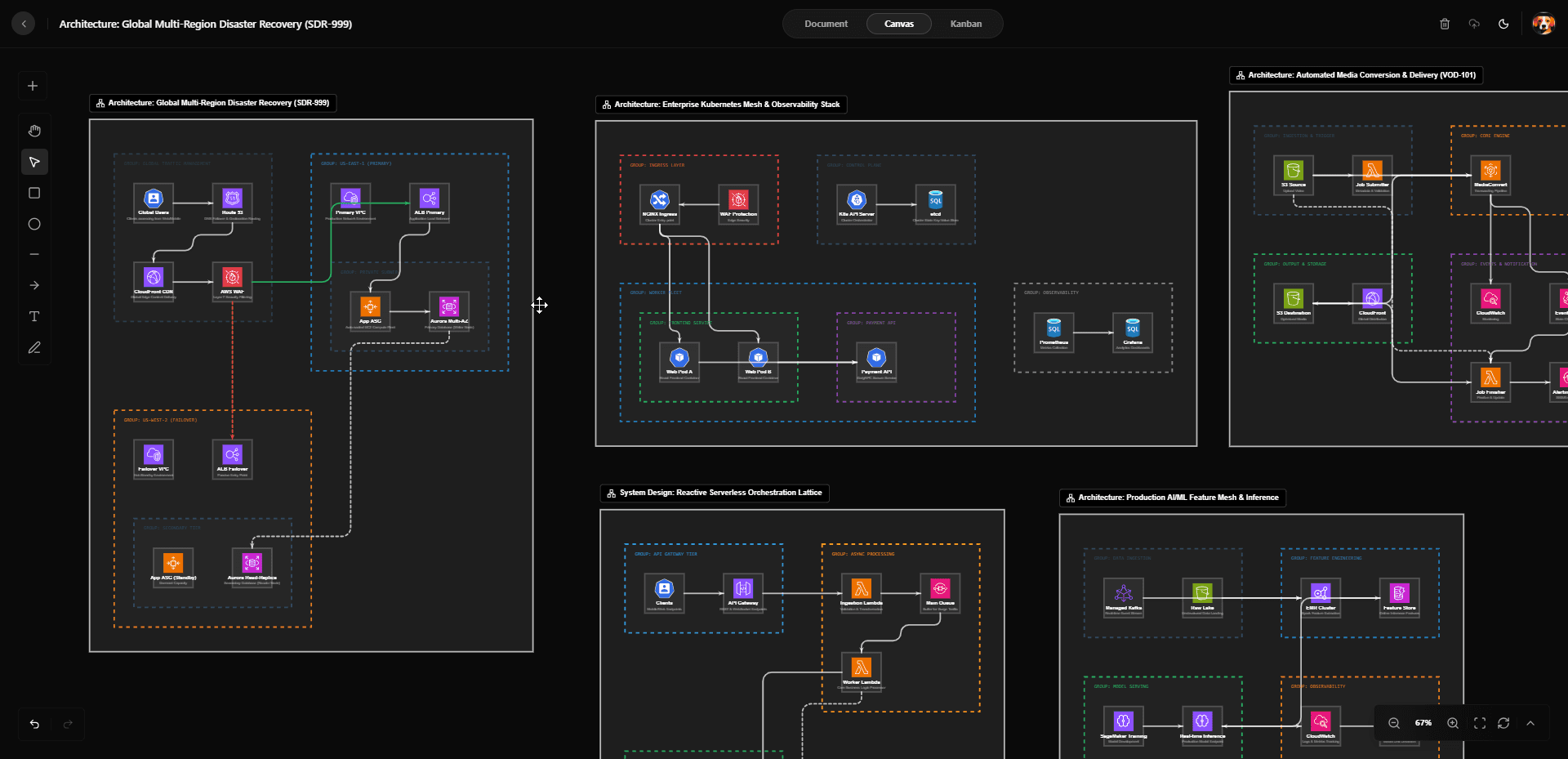
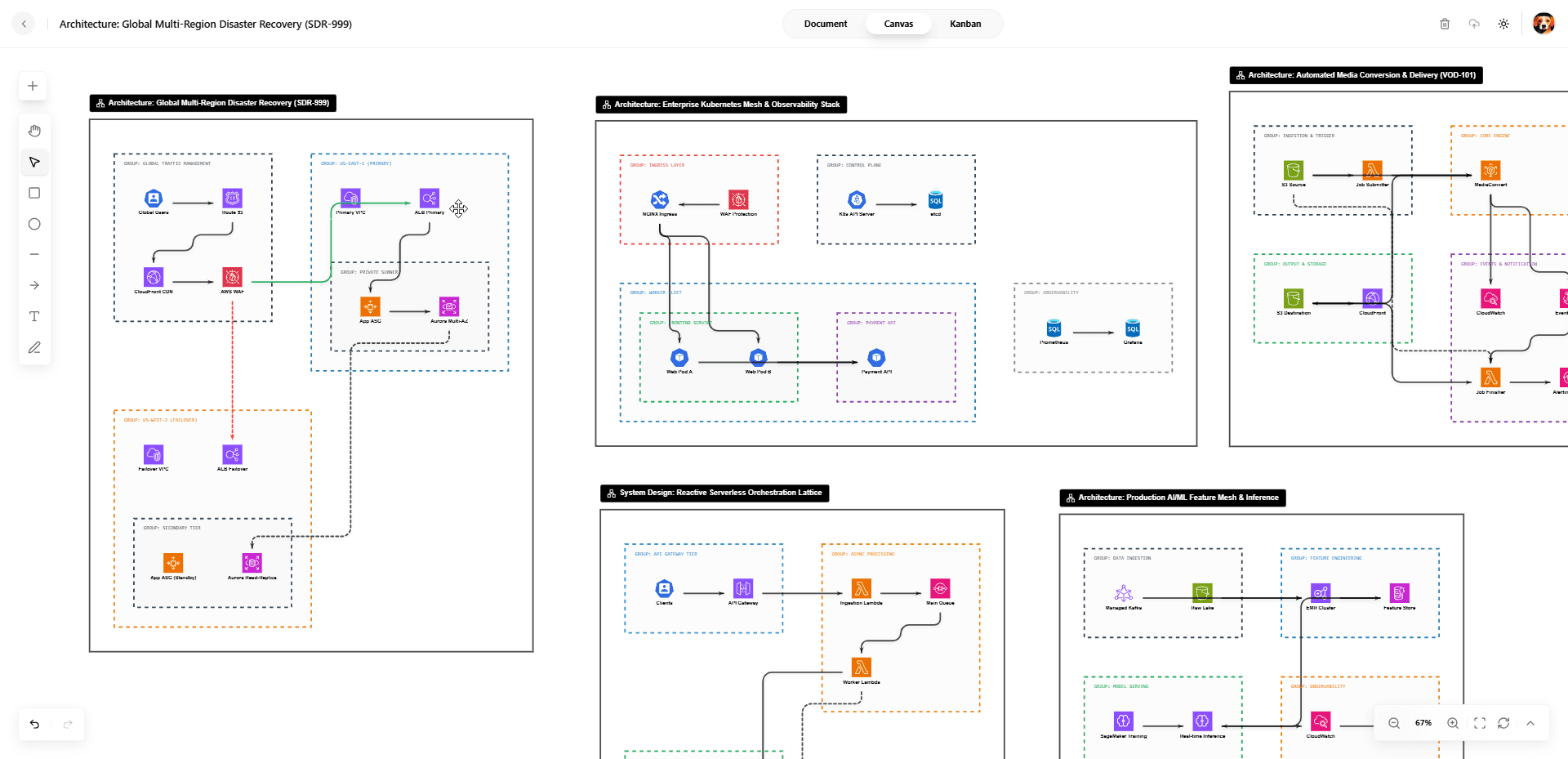
Drop diagrams, connectors, and icons to map complex flows with precision.
Flow
Capture ideas, design collaboratively, and organize delivery.
The landing page now mirrors the core product: documents for clarity, a whiteboard for exploration, and a kanban board for execution.
Create a workspace
Spin up a shared room for your initiative. Every workspace keeps docs, canvas, and board in sync.
Capture in two modes
Draft specs and sketch flows side-by-side. Toggle between document, canvas, or a combined view.
Ship as one team
Prioritize in kanban, keep context attached, and pick up where you left off with autosave.
What you get
- Dedicated Document workspace with a premium paper-like layout for focused writing.
- Intelligent Canvas that supports theme-aware drawing, sticky notes, and icons.
- Synchronized Kanban that automatically persists status across your team.
- Split view mode to keep your project narrative tied directly to its visual flows.
Adaptive workspace
Seamlessly toggle between specialized views while your data stays in sync.
Document View
Focused, professional writing experience with block-based editing and themed clarity.
Canvas View
Intelligent whiteboarding that adapts to your theme for sketches, flows, and diagrams.
Kanban Board
Full task management lifecycle from backlog to done, fully theme-aware and responsive.
Cloud Persistence
Autosave ensures your work is always safe, persisting every change in real-time.
Built-in guardrails
Secure, performant, and ready to onboard teams.
- Next-themes support ensures a beautiful experience in both light and dark modes.
- Database-backed persistence for documents, canvas data, and task boards.
- Optimistic UI updates for a lag-free experience even on slower connections.
- Modern workspace management with intuitive multi-tab navigation.
In-product snapshot
From the landing page, users jump into authenticated flows at `/sign-up` or `/sign-in`, then land in `/workspaces` with autosaved boards.
The detail page mirrors the tabs shown here: Both, Document, Canvas, and Kanban—so expectations match reality.
Calls to action link directly to those routes to reduce bounce and shorten time-to-value.
Pricing
Start free, grow with your team.
Unlimited drafts while you explore. Upgrade when you invite teammates and need more storage.
Team
$12 / user / mo
- Shared workspaces with docs, canvas, and kanban
- Autosave, history, and secure access
- Priority support for product teams
About
Built for product teams who think in docs and diagrams.
Rethink Zone bundles writing, sketching, and delivery into one flow. The landing page mirrors the in-app experience so visitors know exactly what they get before signing in.
Next steps
- Sign up to create your first workspace.
- Open the split view to keep docs and canvas aligned.
- Track outcomes on the kanban board in the same tab.